Start from a finished website
Pick a template, swap in your words and photos, then publish.
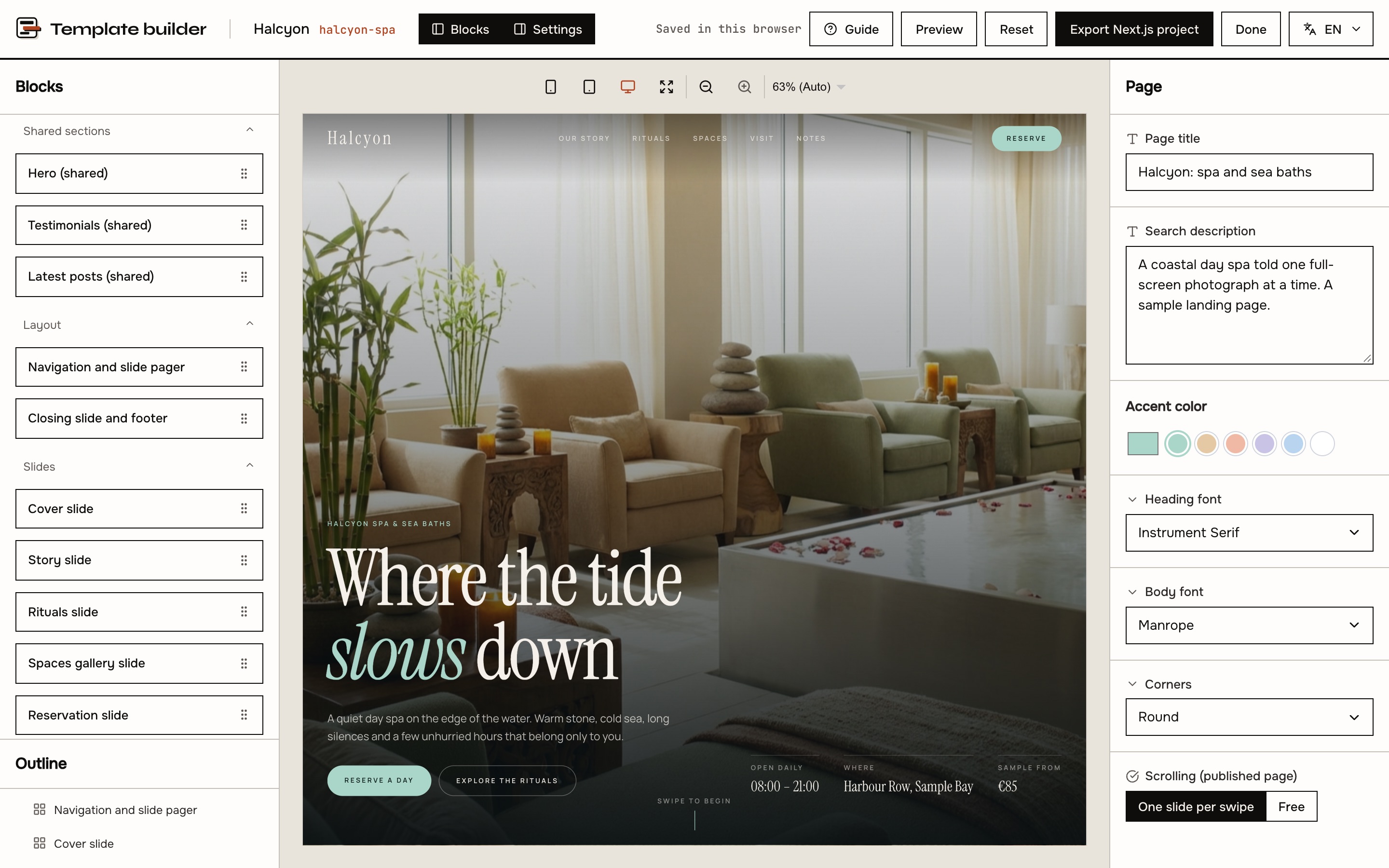
Every template is a working page
Open one to see it whole, then make it yours.


From template to live site
Pick a template
Search by business or browse a category.
Edit it in your browser
Sections, words, photos, colours and fonts. Saved as you go.
Pay once, if it isn’t free
Scan a VietQR code in any banking app.
Publish
Your site goes live at its own address. Take it offline any time.
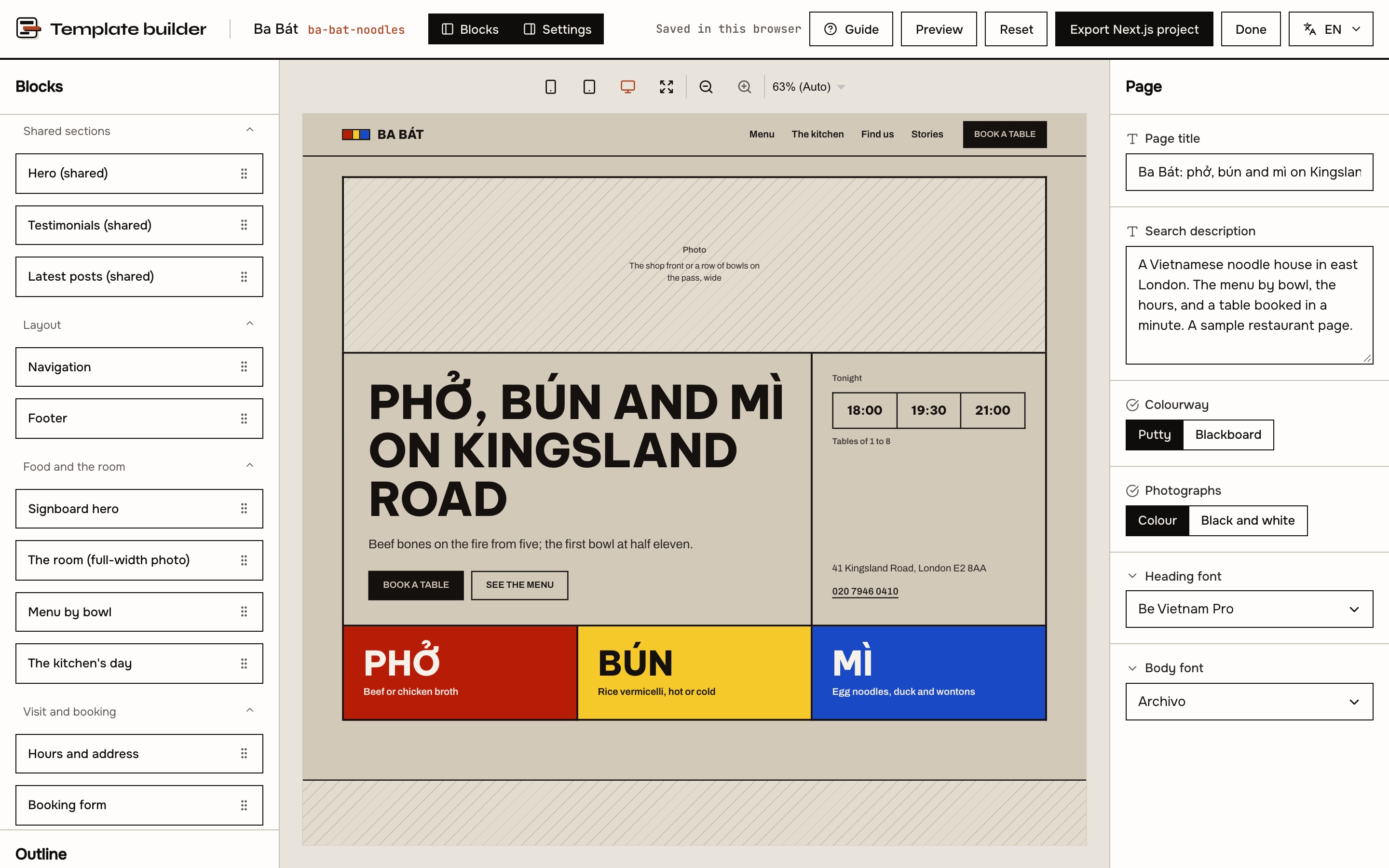
See each change as you make it
The page sits in the middle of the editor, live. Check it at phone, tablet and desktop width before you publish.
- Blocks
- Add, remove and reorder the sections of the page.
- Settings
- One accent colour, a heading font and a body font for the whole site.
- Blog
- Write posts apart from the page; they go live when you publish.
Three ways to put it to work
Publish it here
We host it. Change the page, publish again, and the live site follows.
Download the code
Export a Next.js project to run on your own server.
Hand it to your AI assistant
Make a token on your account page and Claude, or any MCP client, can edit sections, write posts and publish.